A practical guide to choosing the best VPN for remote work, with tips, features to prioritize, and a clear comparison.
the article body in Markdown:
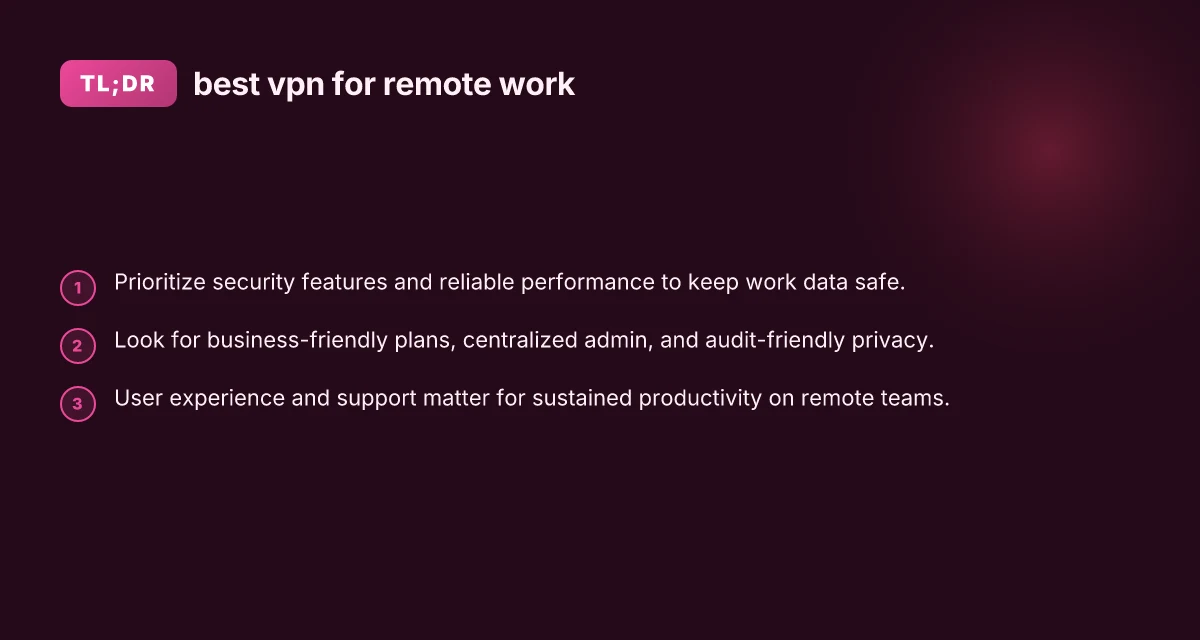
Remote work demands a dependable VPN that protects data, preserves performance, and scales with your team. The best VPN for remote work isn’t just about hiding your IP. It’s about secure access to internal resources, consistent speeds, easy management for IT, and clear privacy practices. Below, you’ll find a practical guide to finding a VPN that checks all those boxes.

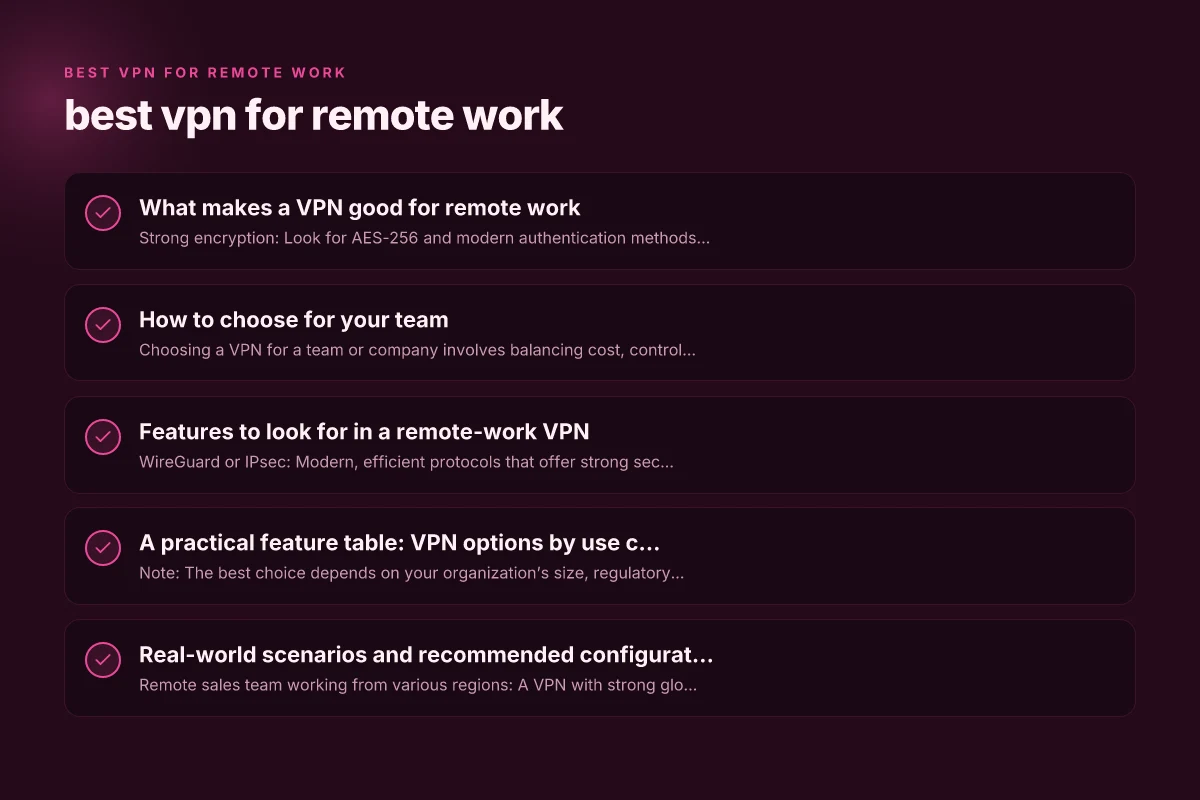
What makes a VPN good for remote work
- Strong encryption: Look for AES-256 and modern authentication methods (e.g., IKEv2 or WireGuard).
- Private network access: Split tunneling should be optional, and full-tunnel is useful for untrusted networks.
- Reliable performance: Low latency and sustained speeds are crucial for video calls and file transfers.
- Enterprise features: Centralized admin, user access controls, and device management help IT keep data safe.
- Transparent privacy: Clear data collection policies and, if possible, independent audits.
- Compatibilities: Works with common work devices and operating systems, plus browser and app integrations.
- Support and reliability: 24/7 support, SLAs, and strong uptime history.
How to choose for your team
Choosing a VPN for a team or company involves balancing cost, control, and user experience. Here’s a practical checklist:
- Security and compliance: Do they support MFA, certificate-based authentication, and split tunneling controls?
- Access control: Can you assign per-user or per-group access to different networks or resources?
- Deployment: How easy is it to deploy to Windows, macOS, iOS, and Android devices? What about remote workers?
- Administration: Is there a centralized admin dashboard? Can IT revoke access quickly?
- Privacy posture: Does the provider publish a privacy policy and undergo independent audits?
- Performance expectations: Can the VPN handle concurrent connections for your team without bottlenecks?
- Cost model: Per-user pricing, site licenses, or per-device options. Are there hidden fees for add-ons?
Features to look for in a remote-work VPN
- WireGuard or IPsec: Modern, efficient protocols that offer strong security with good performance.
- Split tunneling: Lets you route only corporate traffic through the VPN, freeing local internet access for non-work tasks.
- Always-on or auto-connect: Reduces risk by reconnecting automatically when the device is online.
- Kill switch: Prevents data leaks if the VPN drops.
- Per-app VPN: Useful for granular control over which apps use the VPN.
- ZTNA/Zero Trust capabilities: Access to resources is granted based on identity and context, not a flat network trust.
- Audit and compliance features: Logging controls, access reviews, and data retention policies.
- Client diverse choices: Native apps for major platforms plus browser-based access where applicable.
A practical feature table: VPN options by use case
| Use case | Best for small teams | Best for larger organizations | Best for security-focused teams |
|---|---|---|---|
| Core protocol | WireGuard or IPsec | WireGuard with robust fallback | IPsec + Strict MFA |
| Admin tools | Simple central admin | Granular access controls, SSO integration | Full audit logs, policy controls, and DLP integration |
| Device support | Windows, macOS, iOS, Android | Multi-OS including Linux, desktop clients | Broad OS support with secure enclaves |
| Privacy stance | Clear privacy policy | Independent audits possible | Transparent data handling with compliance |
| Pricing model | Per-user | Tiered by seats for larger teams | Per-user with enterprise discounts |
| Notable pros | Fast, easy setup | Scales well, centralized management | Highest security controls, audits |
Note: The best choice depends on your organization’s size, regulatory needs, and existing IT stack. The table above helps crystallize how different VPNs align with common remote-work needs.
Real-world scenarios and recommended configurations
- Remote sales team working from various regions: A VPN with strong global presence and fast exit nodes helps minimize latency. Use per-user access controls to limit access to CRM and marketing tools while enabling full-tunnel for those apps.
- IT and software development teams: Require secure access to private repos, test environments, and internal dashboards. Implement ZTNA with granular access policies and MFA. Consider split tunneling to reduce bandwidth strain on essential tools.
- Healthcare or financial services teams: This calls for strict privacy, audits, and data handling controls. Select a VPN that supports compliance standards relevant to your sector and offers detailed logs, RBAC, and DLP integrations.
- Small business with tight budget: Start with a simple per-user subscription that includes centralized admin, standard encryption, and straightforward deployment. Add features like MFA and kill-switch as needed.
Security best practices for remote work VPNs
- Enforce MFA everywhere: Use hardware tokens or authenticator apps for all users.
- Disable legacy protocols: Turn off PPTP and weak ciphers. Require modern protocols only.
- Use split tunneling cautiously: If your risk model requires, disable split tunneling for sensitive apps.
- Implement device posture checks: Ensure devices meet security baselines before granting access.
- Regularly review access: Revoke access for inactive accounts and rotate credentials periodically.
- Keep clients updated: Push automatic updates to VPN apps to mitigate vulnerabilities.
- Monitor and alert: Set up alerts for unusual login patterns or abnormal data transfers.
- Audit trails: Maintain access logs and conduct periodic reviews to detect anomalies.
Plain-language comparison: what to consider before you buy
- Security: Are encryption standards and authentication methods strong enough for your data?
- Performance: Will the VPN handle your peak usage without causing video lags or file-transfer slowdowns?
- Manageability: Does IT have a clear path to deploy, monitor, and revoke access across teams?
- Privacy: Do you know what data is logged, how long it’s kept, and who can access it?
- Cost: What is the total cost of ownership, including add-ons, users, and support?
- Support: Is 24/7 support available, and what are the response times?
- Compatibility: Does it play well with your existing tools (cloud apps, identity providers, etc.)?
- Compliance: Are there certifications or audits relevant to your industry?
How to test a VPN before committing
- Start with a trial: Run a pilot with a subset of users and devices.
- Measure performance: Test throughput, latency, and stability during typical work tasks (VPN-heavy meetings, file transfers, code checks).
- Check admin features: Create groups, assign roles, and revoke access to see how smooth it is.
- Verify privacy and logs: Review what data is collected and how it’s stored.
- Validate support: Open support tickets to gauge responsiveness and knowledge.
Final recommendation
The best VPN for remote work is the one that balances strong security, reliable performance, and enterprise-grade management within your budget. For many growing teams, a solution that offers centralized admins, scalable per-user pricing, MFA, and robust audit capabilities tends to deliver the clearest long-term value. If you’re starting fresh, prioritize: WireGuard-based performance, easy deployment across devices, and a clear privacy/policy posture with independent audits if available. For larger enterprises, invest in zero-trust access, detailed access controls, and comprehensive logging. In all cases, run a careful pilot, map your use cases to required features, and choose a provider that can grow with your remote-work needs.